
Student records off the shelf and onto one screen
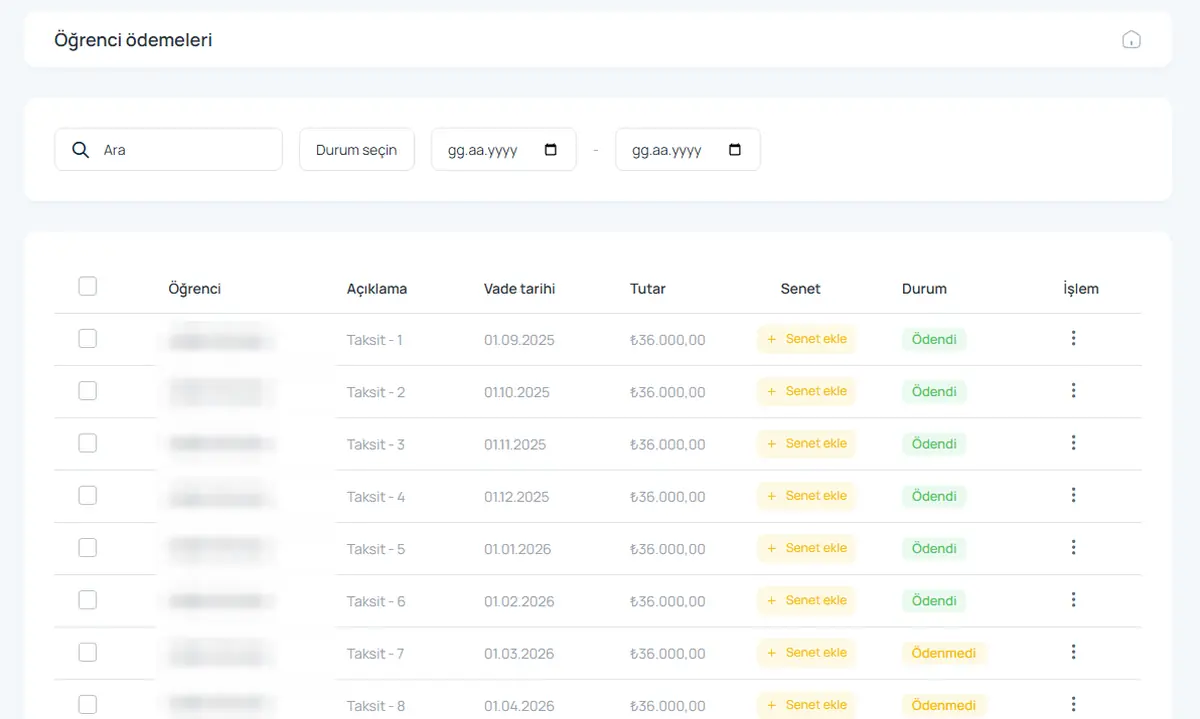
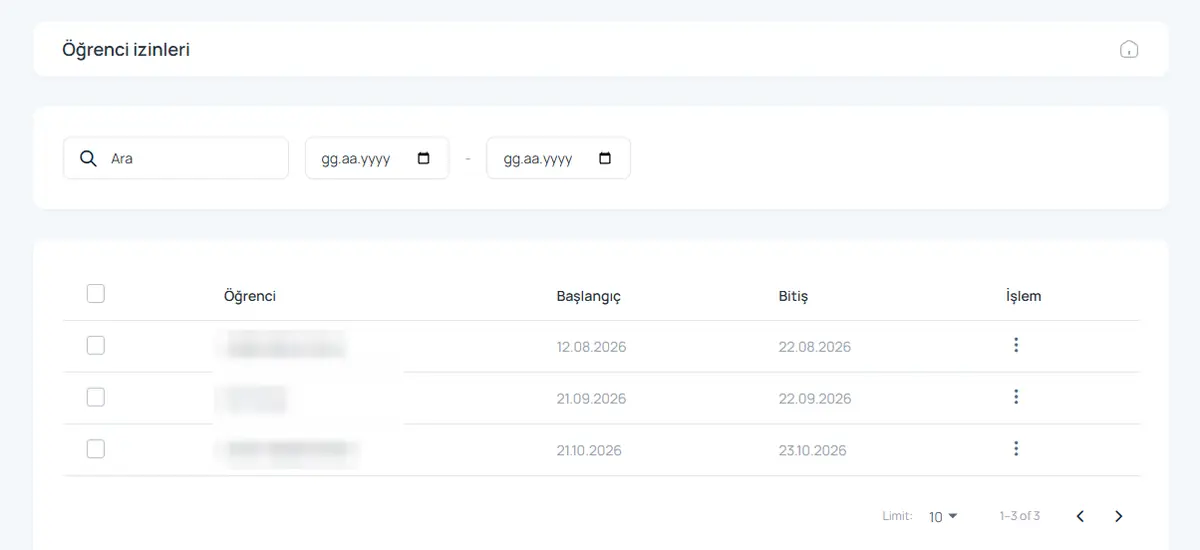
Every student card is organised in tabs: account, contact, education, guardian, accommodation, leaves, appointments and payment. The detail you need is one click away and registration takes a few minutes.
What you can do
Tabbed student card
Contact, education, guardian and stay details in separate tabs, never mixed up.
Guardian details
Guardians are on file, so reminders and notices can reach them too.
Block, floor, room, bed
Where the student stays is shown at the top of the card.
Fast search and filters
Find anyone in seconds by name, room, status or date.
One-click printing
Print contracts, promissory notes and student details.
Season roll-over
Move students to the new season without losing history.
How it works
- Open a student card and enter the basics.
- Pick the room and bed and create the instalment plan.
- Print the contract; the student signs in on the mobile app.
Screens from the software
Frequently asked questions
Can I import my student list from Excel?
Yes. We import your Excel list together during setup.
Can students see their own details?
Students sign in to the mobile app to see their payments, leaves and announcements.
How is personal data protected?
Staff only see the screens they are allowed to, connections are encrypted and every action is logged.
Give us 20 minutes with your dormitory
In a live demo we show the software with your own rooms and students, and send a quote the same day.