
Which bed is free? Just look at the plan
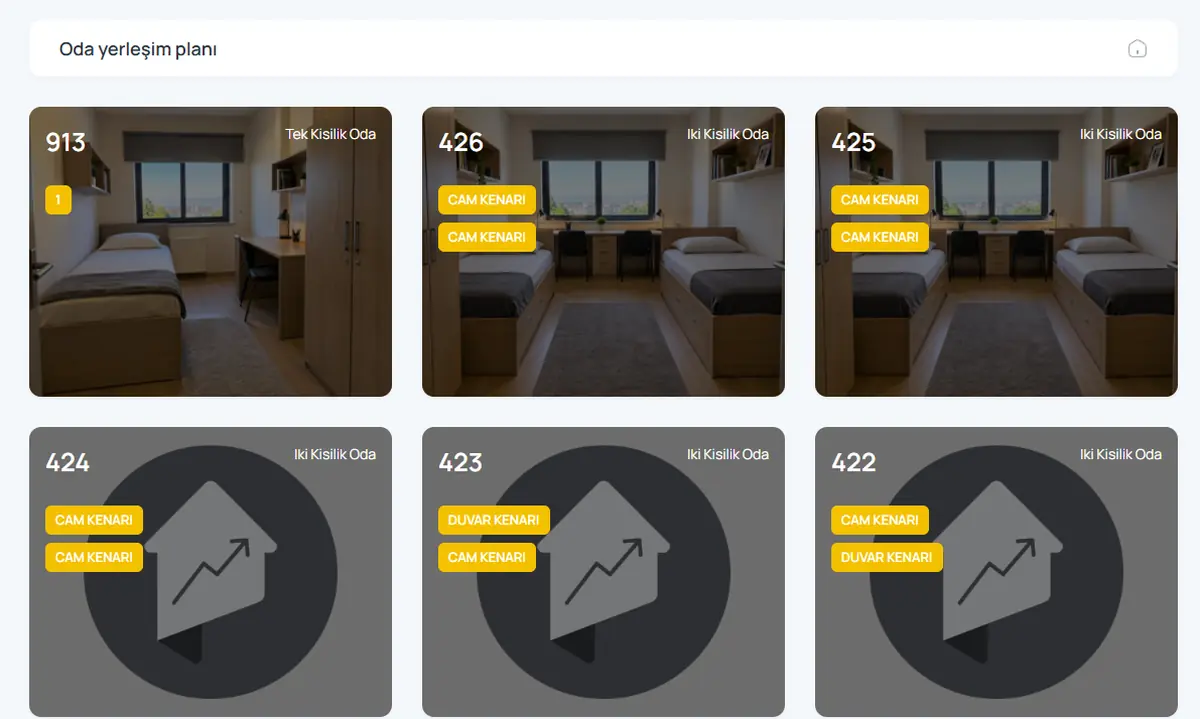
Each room is a card: number, type, whether each bed is by the window or the wall, and who sleeps there. Filter by block and floor, spot a free bed and place a student.
What you can do
Visual room cards
Card view with room photo, number and type.
Bed position
Bed details such as window side or wall side are on the card.
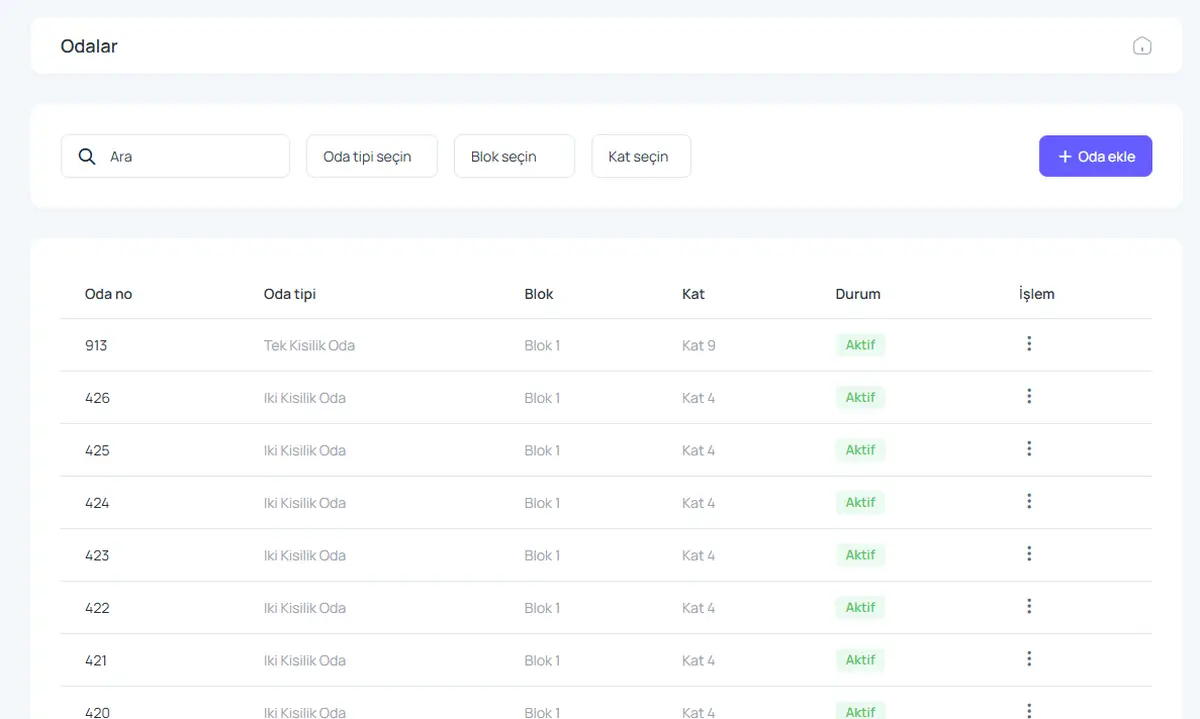
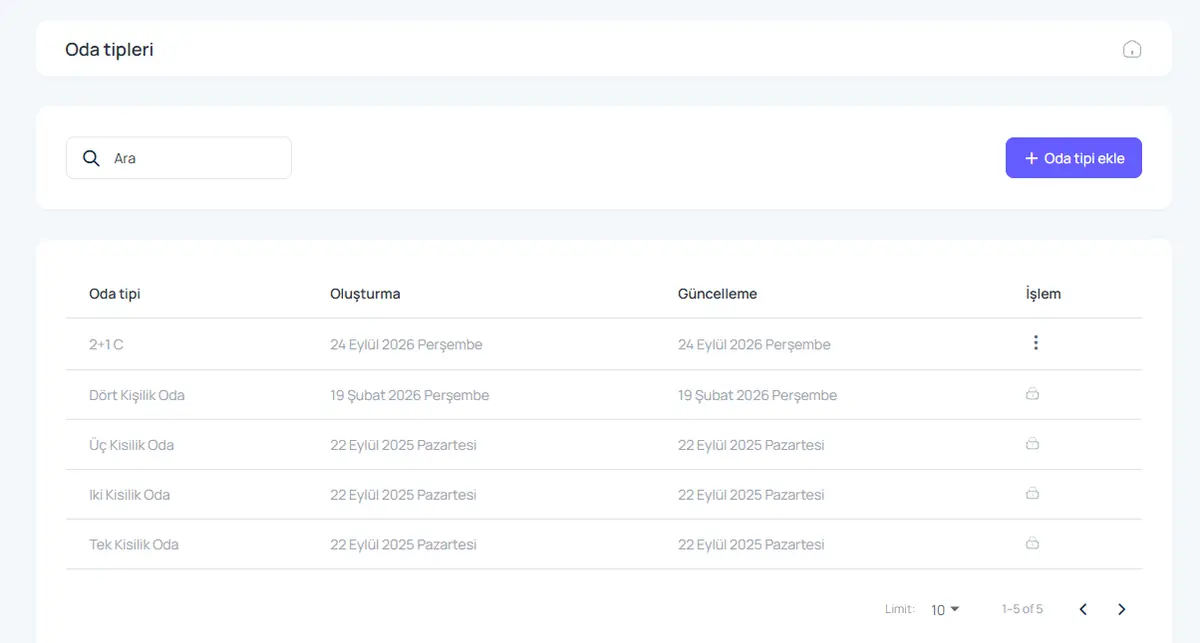
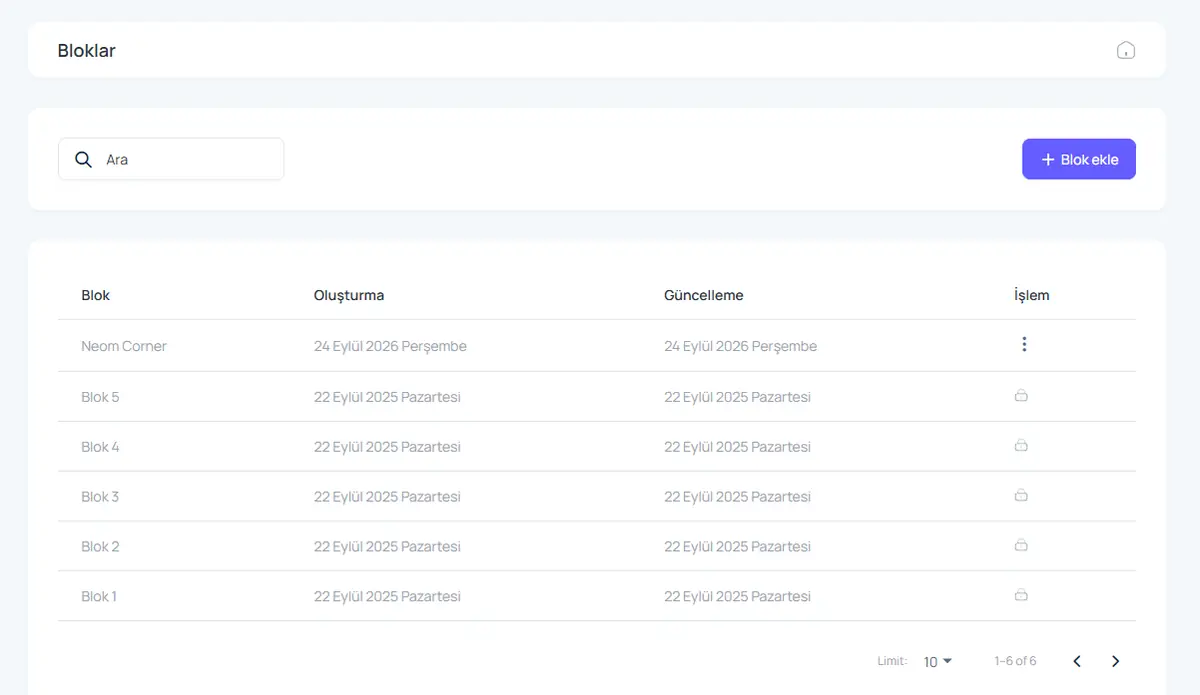
Blocks, floors, room types
Define blocks, floors and room types to match your building.
Occupancy at a glance
Free, occupied and reserved beds are colour coded.
Room changes
Move a student to another room and keep the history.
Active and inactive rooms
Set a room under maintenance to inactive so it cannot be sold.
How it works
- Define blocks, floors and room types.
- Add rooms and beds.
- Place students from the plan.
Screens from the software
Product video: Room and bed plan
The video for this module is on its way. Don’t want to wait? Book a 20-minute live demo and we will walk through the module together.
Request a demoFrequently asked questions
Can I define my own room types?
Yes. Add single, double, triple, quad or custom types such as 2+1.
Can I add room photos?
Yes. The photo appears on the room card and in online booking.
Give us 20 minutes with your dormitory
In a live demo we show the software with your own rooms and students, and send a quote the same day.