
Decide on reports, not guesses
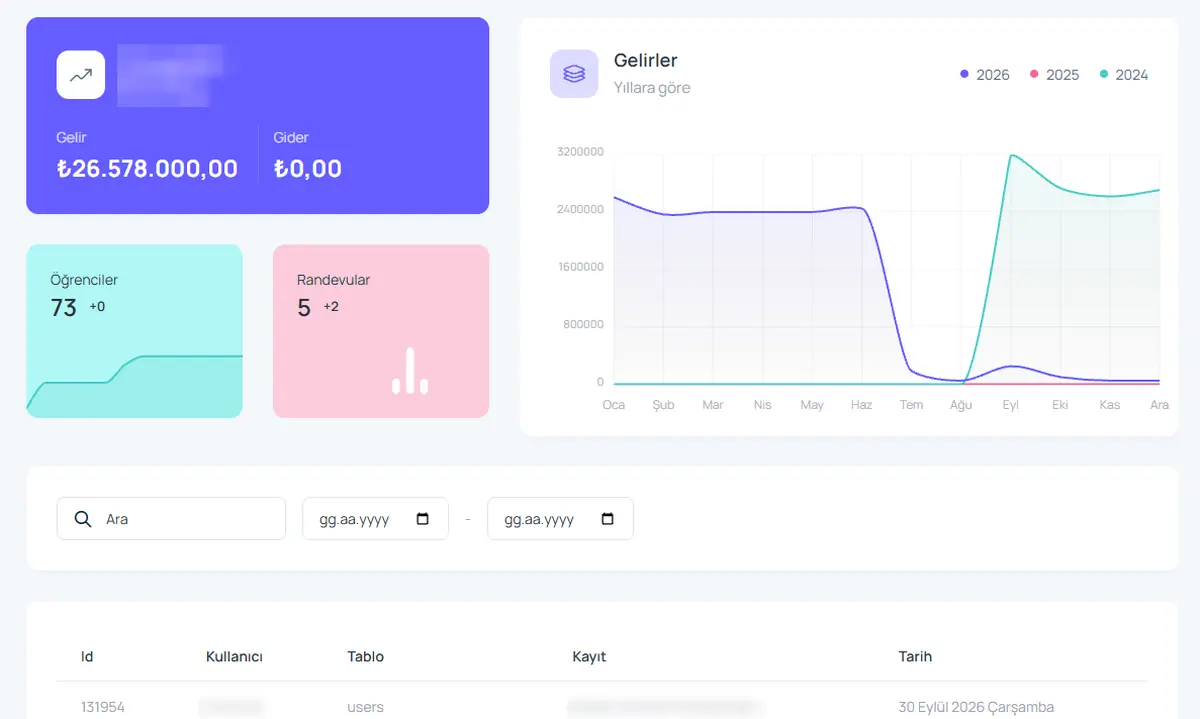
Which block is full, which month collections dropped, which expense grew? Student and facility data can be filtered every way; view the report, print it or export to Excel.
What you can do
Occupancy report
Occupancy by block, floor and room type.
Collections report
Collected, pending and overdue amounts.
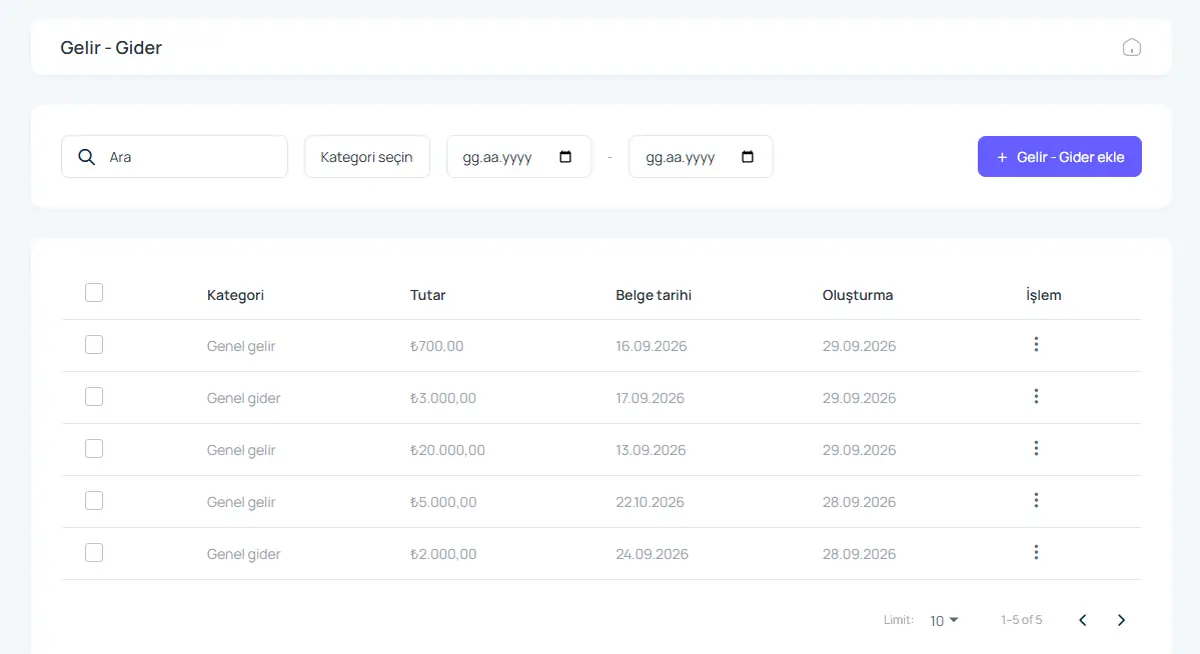
Income and expense report
Profitability by category and period.
Student reports
Lists by department, year, city and length of stay.
Activity log
Who changed which record and when.
Excel and print
Export or print every list.
How it works
- Choose the report and date range.
- Filter by branch, block or category.
- View, print or export to Excel.
Screens from the software
Product video: Reporting
The video for this module is on its way. Don’t want to wait? Book a 20-minute live demo and we will walk through the module together.
Request a demoFrequently asked questions
Can I export reports to Excel?
Yes. Lists can be exported to Excel and printed.
Give us 20 minutes with your dormitory
In a live demo we show the software with your own rooms and students, and send a quote the same day.