
Who is in, who is on leave? At a glance
Students request leave in the app and you approve it. Start and end dates are recorded. Evening roll calls are kept by season and guardians can be notified when needed.
What you can do
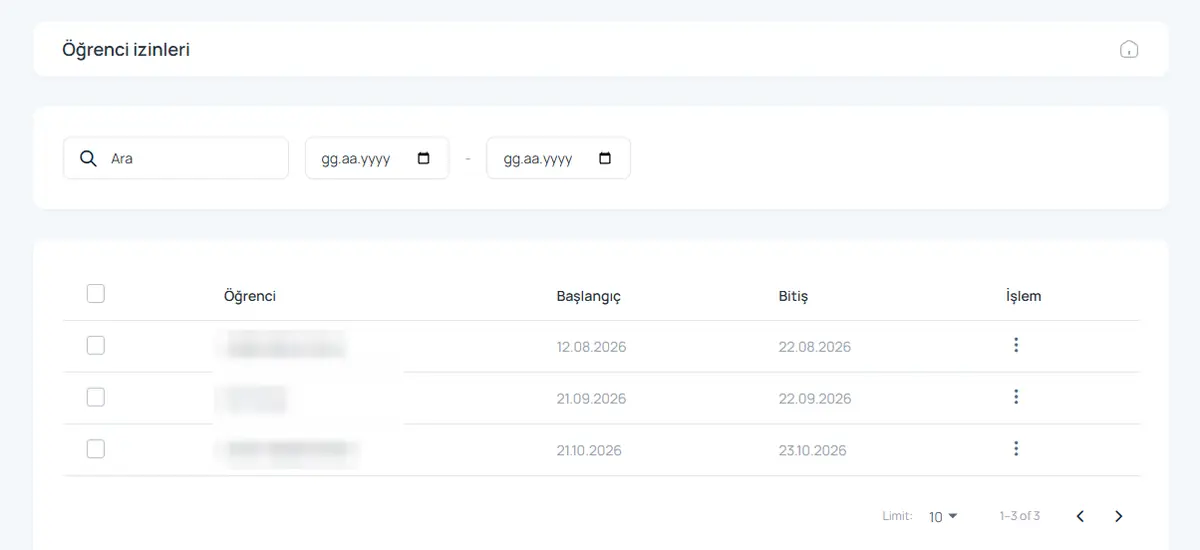
Leave requests
Students request leave in the app; you approve or decline.
Date ranges
Leave records with start and end dates.
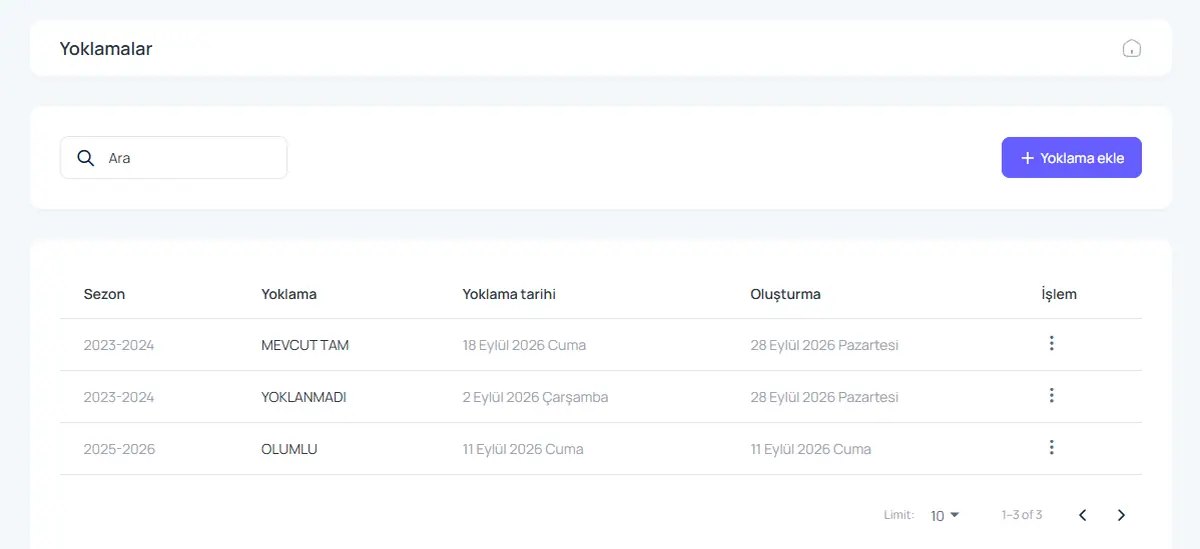
Roll call
Roll calls by season: complete, missing, not taken.
Guardian updates
Send leave and roll call results to guardians by SMS.
How it works
- The student sends a leave request.
- Staff approve it and the guardian is informed.
- Students on leave are shown separately at roll call.
Screens from the software
Product video: Leave and roll call
The video for this module is on its way. Don’t want to wait? Book a 20-minute live demo and we will walk through the module together.
Request a demoFrequently asked questions
Can I see past roll calls?
Yes. Every roll call is stored by season and date.
Give us 20 minutes with your dormitory
In a live demo we show the software with your own rooms and students, and send a quote the same day.